




Rockyspin App
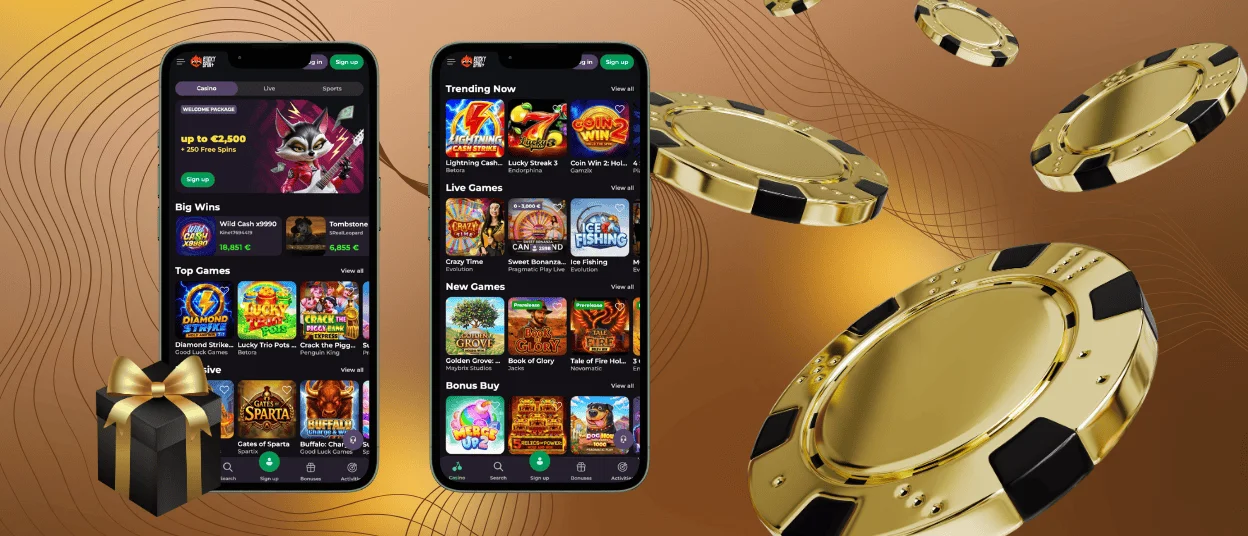
The Rockyspin app keeps things simple so you can jump straight into games without waiting. Running it on your smartphone or tablet keeps your active balance and saved favorites ready whenever you log back in for a quick session.



Key Features of the Rockyspin App
Our mobile casino rearranges the whole setup for easy one-handed navigation. Here is what makes the mobile setup different from desktop play:
- One-tap launcher straight from your home screen icon.
- Touch controls that respond instantly without accidental clicks or mis-taps.
- Dark background mode that saves battery during longer playing sessions.
- Quick pop-up alerts for fresh bonus drops and Rockyspin Casino tournament start times.
- Fast wallet options built for mobile wallets and single-touch approvals.
The main menus collapse into a side tab when you don’t need them. Spinning popular online slots on a Rocky Spin app feels smooth, turning everyday phone spins into a solid gaming experience.
Pros and Cons of the Rockyspin App
When you look at the mobile setup next to the regular Rockyspin Casino site access, you can see that there are some clear pros and some minor cons.
| Feature | Mobile App Setup | Standard Desktop Site |
| Opening Speed | 1 to 2 seconds from the home screen | 5+ seconds through a web browser |
| Data Use | Low. Graphics stay saved on the phone | Higher. Graphics reload on every visit |
| Screen Setup | Single clean column for one-handed play | Wide view |
| Login Style | Just a single touch via Face ID or fingerprint | Manual password typing or browser login |
| Verification Process | Simple. You can take necessary photos and upload them | You have to send your photos from the phone to the computer |
| Best Choice For | Quick spins on the go | Good for playing multiple games on big monitors |
The Rockyspin app delivers fast access to the entire mobile casino lobby. Still, if you like opening four different games at once across big monitors, you might stick with your computer browser.
Rocky Spin App for Android
Android phones handle the Rockyspin Casino site smoothly through your browser. The layout adjusts automatically to fit screens, using simple swipes and slide-out menus for easy navigation. Performance stays steady even on older devices, keeping data usage light so video slots and live dealer streams open without freezing.
Rockyspin APK vs. PWA
You don’t need to download any heavy APK files or fiddle with risky security settings to play on Android. You can add a lightweight web Rocky Spin app shortcut directly to your home screen for instant one-tap access:
- Head to the official site using Chrome or another mobile browser.
- Open your browser options by tapping the three-dot menu in the top corner.
- Choose “Add to Home screen” (or “Install app”) to drop a direct launcher onto your phone grid.
- Tap the newly created casino icon, log in, and drop right into the game lobby.
Saving the web shortcut keeps your phone’s storage completely free and ensures you always load the newest version of the site automatically.
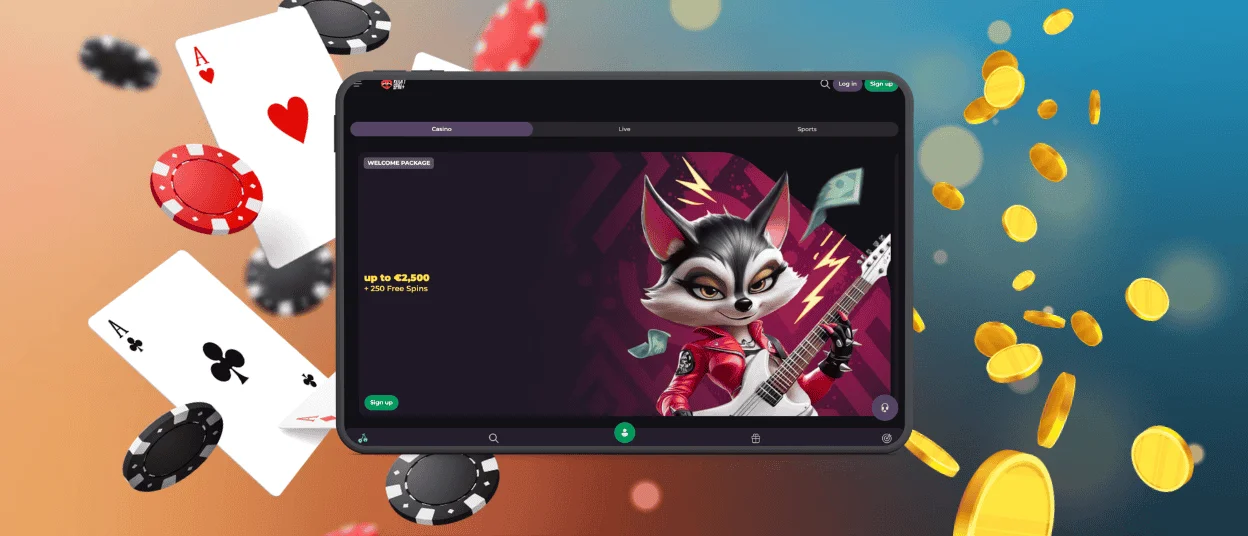
Mobile Application for iPhone and iPad
iPhones and iPads handle Rockyspin cleanly. The layout runs on Apple’s native browser engine, keeping slot reels and menu transitions locked at 60 frames per second.
You can pin the shortcut right to your home screen so browser search bars stay out of your way. Using Face ID lets you jump back into your balance with one tap. Larger iPad screens also give live dealer tables plenty of room to display full card layouts.
Play Rocky Spin Casino on Mac or Windows
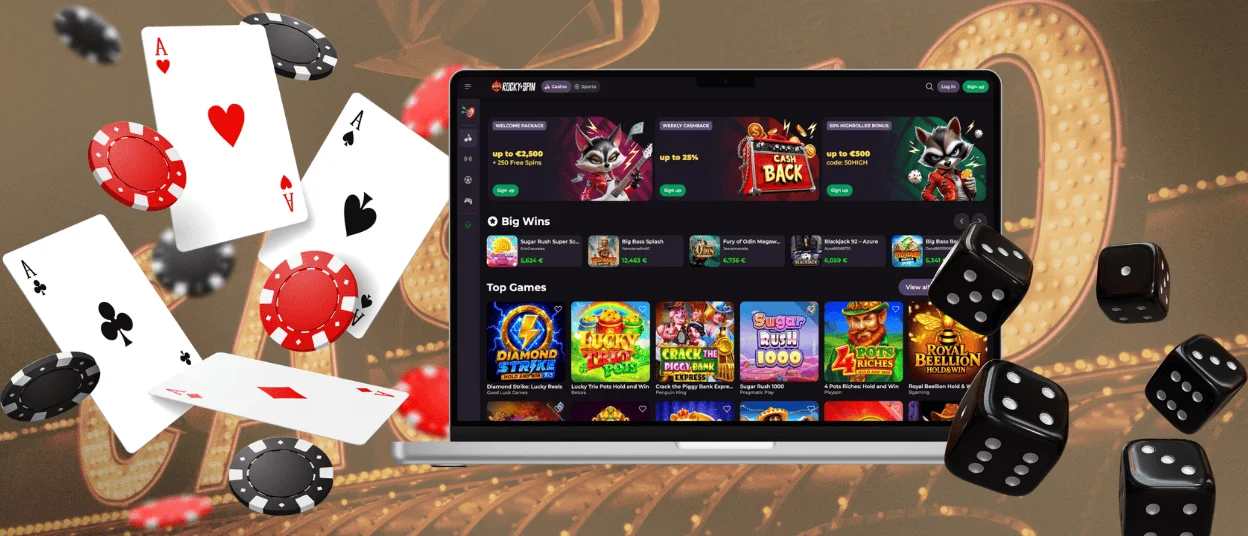
Sitting down at a desk gives you a totally different way to play. Chrome, Edge, and Safari handle the Rockyspin Casino layout without requiring any extra downloads or emulators.
Desktop mode works best when you want to track tournament ranks while spinning slots on the side. If you ever hit a bump with a payout or bonus, clicking the live chat button connects you with someone on the support team in a few seconds.
PWA Security Advantages
Using a Progressive Web App (PWA) framework offers solid protection without cluttering your phone storage. Because Rocky Spin runs inside a secure web shell, your data stays locked down.
- Safe execution means no heavy executable files take up internal memory space.
- Software refreshes happen automatically every time you open the app.
- Every deposit and withdrawal relies on encrypted protocols.
- The app only asks for basic display permissions without touching your personal files.
FAQ
What should I do if the Rockyspin app crashes or freezes?
Clear your browser cache and double-check your Wi-Fi or data connection. If the app stays frozen, close it out completely and reopen it. Interrupted game rounds save automatically and pick up right where you stopped. You never have to panic about losing your bet mid-spin. The Rockyspin Casino system securely locks your balance on the server, so your money is always perfectly safe while you restart your phone or wait for a better signal.
Does the Rockyspin app consume significant mobile data?
No, the Rockyspin Casino app saves heavy site layout graphics to your phone’s memory after your first visit. Later visits only send tiny betting requests back and forth, keeping your overall data usage incredibly minimal. You can comfortably play on your daily commute.
What operating systems are supported?
Android phones running 8.0 or higher and iPhones running iOS 13.0 or higher work great. Rocky Spin Casino for PC can be played in any modern browser on Windows, Mac or Linux.


